120 Days Mon - Fri From (10 AM - 10 PM) IST
Odoo

5 MIN READ

April 27, 2026

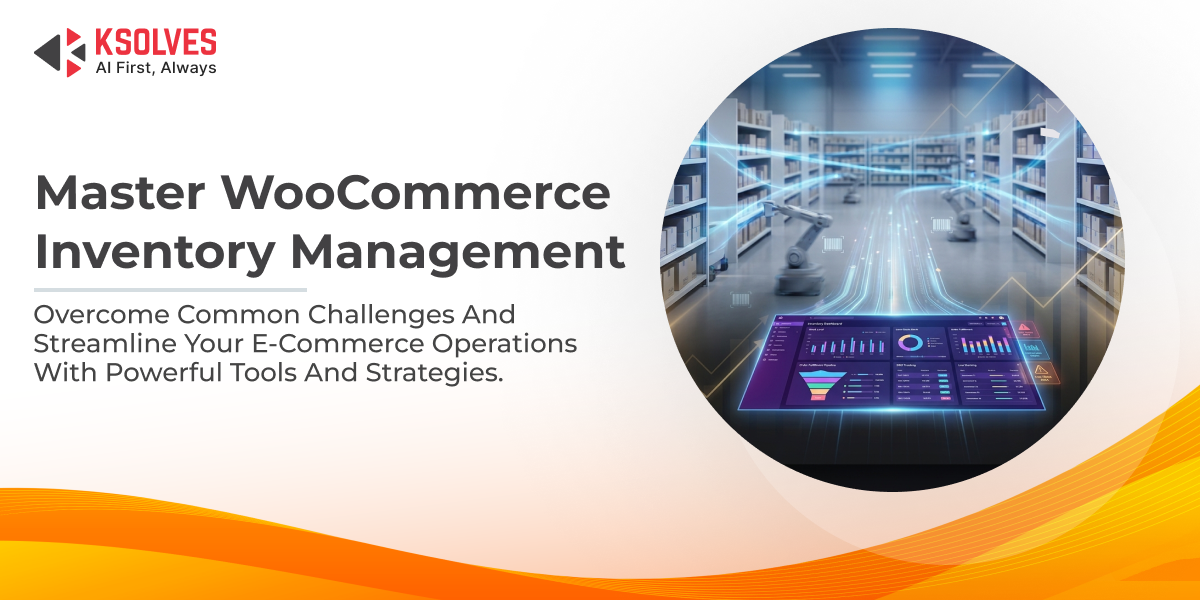
WooCommerce is one of the most popular e-commerce platforms, powering millions of online stores worldwide. Its flexibility and ease of use make it a go-to choice for businesses of all sizes. However, as your store grows, managing inventory can become a complex task. Inventory management in WooCommerce involves tracking stock levels, handling orders, and ensuring seamless operations across sales channels. Poor inventory control can lead to lost sales, unhappy customers, and operational inefficiencies.
In this blog, we’ll explore the top challenges faced in WooCommerce inventory management and provide practical strategies to overcome them. Whether you’re a small business owner or managing a large-scale operation, addressing these issues can help you streamline your processes and boost profitability.
One of the most common pitfalls in WooCommerce is overselling, when a product is sold despite being out of stock or experiencing unexpected stockouts that halt sales. This often happens due to delayed updates in inventory levels, especially during high-traffic periods like sales events or holidays.
If you’re selling on WooCommerce alongside other platforms like Amazon, eBay, or physical stores, keeping inventory synchronized across channels is a nightmare. Manual updates lead to inconsistencies, where stock shows as available on one channel but not on another.
Also Read – Introducing AI-Powered Error Explainer in Odoo WooCommerce Connector
Relying on manual input for product details, stock counts, and order fulfillments is error-prone. Typos, duplicate entries, or forgotten updates can result in inaccurate inventory data, leading to financial losses and customer dissatisfaction.
Returns are inevitable in e-commerce, but managing them in WooCommerce can disrupt inventory accuracy. Refunds, damaged goods, or exchanges need to be reflected promptly in stock levels, which isn’t always straightforward without proper tracking.
Also Read – Why Ksolves Odoo WooCommerce Connector is the Best Choice for Seamless Integration
As your product catalog expands, WooCommerce’s native inventory tools may struggle to handle large volumes efficiently. Slow loading times, limited reporting, and difficulty in managing variants (like sizes or colors) can hinder growth.
Without clear, up-to-date insights into inventory performance, decision-making becomes guesswork. WooCommerce provides basic reports, but they often lack depth for complex operations, such as tracking failed jobs or sales across instances.
Also Read – A Guide to Flawless WooCommerce ERP Integration: 5 Mistakes to Skip
Inventory doesn’t exist in isolation, it’s tied to payments, shipping, and order fulfillment. Mismatched data between these systems can cause delays, incorrect stock deductions, or failed orders.
Effective inventory management is the backbone of a thriving WooCommerce store. By addressing these challenges head-on with automation, integrations, and smart strategies, you can reduce errors, prevent stockouts, and scale your business efficiently. Remember, the key is to move beyond WooCommerce’s native capabilities and leverage powerful tools that provide real-time syncing and centralized control.
If you’re looking for a comprehensive solution to tackle these issues, consider the Odoo WooCommerce Connector by Ksolves. This robust module allows you to connect multiple WooCommerce stores to a single Odoo dashboard, enabling bidirectional syncing of products, stock levels, orders, and more. With features like automatic webhooks, failed job logs, meta mapping, and daily sales reports, it eliminates manual errors and ensures lightning-fast data exchange. The application is compatible with Odoo versions up to 19.0, it’s designed for seamless import/export operations and supports multi-currency and multi-language setups. Plus, it comes with free 90-day support for any queries or bug fixes.
Ready to transform your inventory management? Check out the Odoo WooCommerce Connector on the Odoo Apps Store or book a personalized demo today. Ksolves is trusted by top clients and certified with CMMI Level 3 invest in a solution that grows with your business!
Q: What are the main challenges in WooCommerce inventory management?
A: Key challenges include overselling, multi-channel syncing, manual data entry errors, handling returns, scalability issues, lack of real-time visibility, and integration with payment/shipping systems.
Q: How can I prevent overselling in my WooCommerce store?
A: Implement real-time stock tracking, set low-stock alerts, and integrate with an ERP like Odoo for bidirectional syncing to ensure accurate inventory updates.
Q: Can the Odoo WooCommerce Connector help with multi-channel selling?
A: Yes, it connects multiple WooCommerce stores to a single Odoo dashboard, enabling seamless data syncing, automated workflows, and centralized inventory management.
Q: Does the Odoo WooCommerce Connector support automation?
A: Absolutely, it offers webhook automation, automated order workflows (e.g., validate orders, create invoices), and daily sales reports via email.
Q: Is the Odoo WooCommerce Connector suitable for large-scale stores?
A: Yes, it’s designed for scalability, supporting high-volume data exchanges, multi-currency, multi-language setups, and advanced reporting for growing businesses.