
AI Assistant Bridge for Odoo
Odoo MCP Connector
The Fastest Way to Let AI Work Inside Odoo — Safely
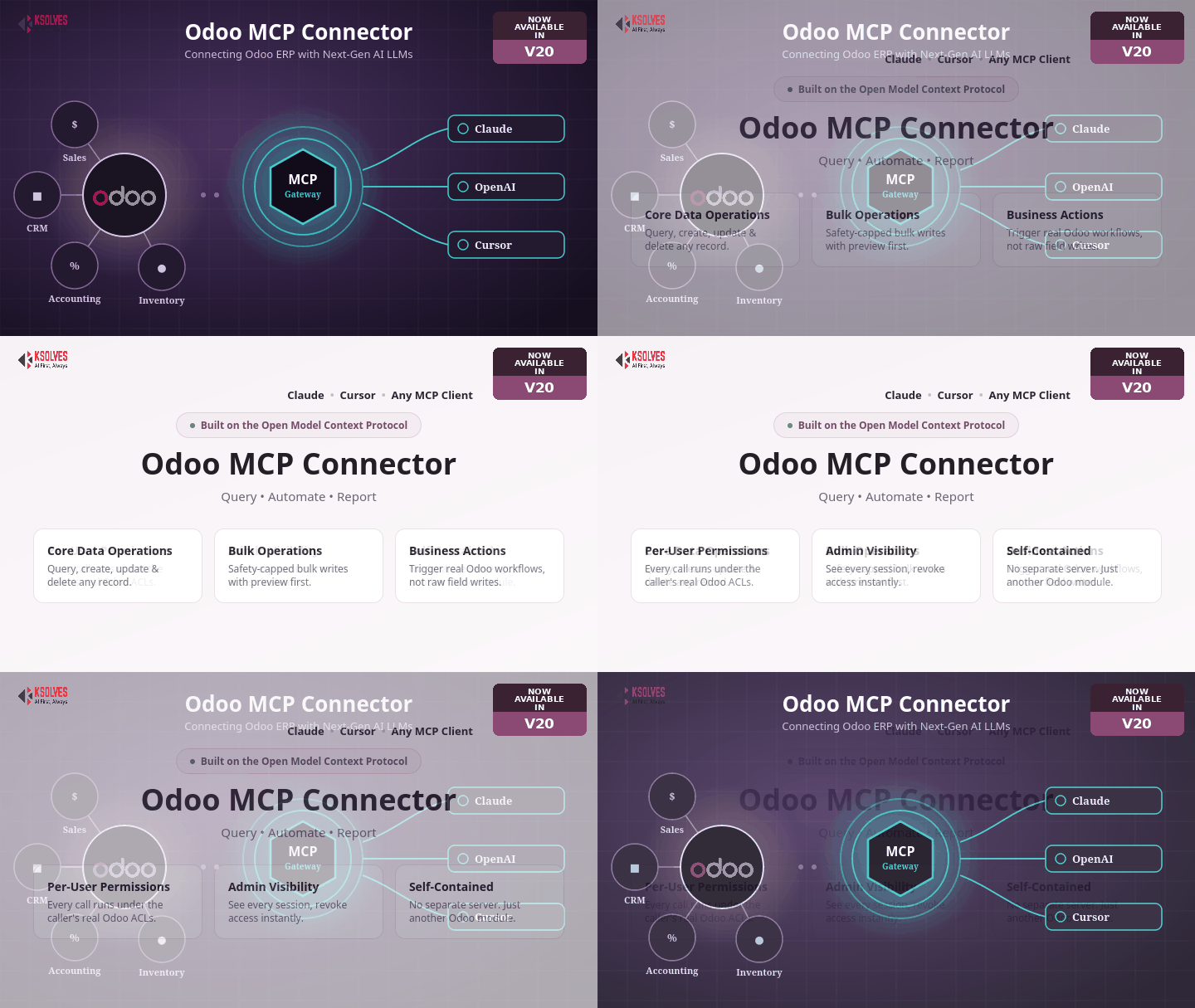
Give Claude, Cursor, or any MCP-compatible AI assistant direct, permission-aware access to your Odoo data. Installed as a single Odoo module — no separate server, no extra infrastructure, no shared admin login. Every person connects with their own Odoo identity, and every action respects the permissions they already have inside Odoo.




Core Data Operations
The everyday CRUD layer — reading and writing individual Odoo records, with column selection tuned to stay fast and readable by default.
- Search any model with an Odoo domain filter, pagination & sorting
- Fetch a single record, create a record, or update specific fields
- Deletes are safe by default: preview first, nothing removed until explicitly confirmed
- Blank column selection returns a ranked, sensible field set instead of every column
Bulk Operations
The same operations at scale, with hard caps and re-checked counts so a filter typo can't silently touch more than was approved.
- Create many records in one all-or-nothing transaction
- Update or delete every record matching a filter, previewed before it runs
- Refuses an empty, match-everything filter outright
- Re-checks the real matched count against the safety cap immediately before writing
Business Actions
Goes beyond field writes to trigger the same real business logic a person would run clicking a button on an Odoo form.
- Confirm a sale order, post an invoice, or run any other button-driven workflow
- One generic tool covers every business action Odoo exposes — no hand-built tool per action
- Bounded strictly to actions genuinely present as buttons on that model's own form view
Reports
Reaches Odoo's real QWeb/PDF report engine directly, not a reconstruction of it.
- Discover the exact report names available for a model
- Render and return a real PDF for one or more records
- Access is governed by the caller's own record permissions — never rendered with elevated access
Per-User Permissions & Security
Nobody gets more access through the connector than they already have inside Odoo itself.
- Every person connects with their own Odoo login — no shared, static admin identity
- Every call runs under the caller's actual Odoo permissions — real ACL enforcement, not assumed
- Encrypted credential handling, per-identity rate limiting, and safe-by-default confirmation on every destructive action
Admin Visibility & Control
Gives an Odoo administrator the same oversight over this connector that they already have over everything else in Odoo.
- See every active session — who's connected, from which client, when last used
- Instantly revoke one person's access, or every active session at once
- Reuses Odoo's own Settings/Administration group — no separate permission system to maintain
Free 90 Days Support
Ksolves provides free 90 days support for any doubt, queries and bug fixing (excluding data recovery) or any type of issues related to this module. This is applicable from the date of purchase.
All Features
Everything the Odoo MCP Connector covers, grouped by area.
Core Data Operations
- Search any model with an Odoo domain filter, pagination & sorting
- Fetch a single record by ID, with full or custom columns
- Create records and update specific fields
- Safe-by-default deletes — preview first, confirm to execute
- Inspect a model's real field schema & browse the full model catalog
Bulk Operations
- Create many records in one all-or-nothing transaction
- Update or delete every record matching a filter, previewed before it runs
- Refuses an empty, match-everything filter outright
- Re-checks the real matched count against the safety cap before writing
Business Actions
- Confirm a sale order, post an invoice, or run any other button-driven workflow
- One generic tool covers every business action Odoo exposes
- Bounded strictly to actions genuinely present as buttons on that model's form view
Reports
- Discover the exact report names available for a model
- Render and return a real PDF for one or more records
- Access governed by the caller's own record permissions
Chatter & Activities
- Log notes directly on any record's chatter
- Schedule follow-up activities with due dates and assignees
- Keeps the AI's actions visible in Odoo's own audit trail
Security & Permissions
- Full per-user OAuth 2.0 login (Authorization Code + PKCE, Dynamic Client Registration)
- Every call runs under the caller's actual Odoo permissions — never elevated
- Encrypted credential handling & per-identity rate limiting
Admin Visibility & Control
- See every active session — who's connected, from which client, when last used
- Instantly revoke one person's access, or every active session at once
- Reuses Odoo's own Settings/Administration group — no separate permission system
Client Compatibility
- Works with Claude, Cursor & any MCP-compatible AI client
- Follows the open Model Context Protocol — no custom integration work
- Installs and upgrades like any other Odoo module
Self-Contained Deployment
- Runs entirely inside your existing Odoo server — no separate process to host
- Lazy, per-worker initialization — zero added startup cost until the first request
- Multi-database safe — each database gets its own isolated session & OAuth store
Why Ksolves
You know us as the makers of Dashboard Ninja. You will remember us for Odoo MCP Connector.
Your trusted partner in offering tailored solutions for your unique business vision.
Share your specific business requirements or challenges with us, and let us craft a custom solution that meets your needs.
Get in TouchWhy Choose Ksolves for Odoo MCP Connector
- 15+ years of enterprise software delivery experience
- Official Odoo Gold Partner
- CMMI Level 3 appraised development process
- Dedicated support team for every module we publish
- Built and verified against a real, running Odoo instance — including genuine restricted-permission accounts, not just written to spec
- Security-first design: per-user OAuth, encrypted credentials, safe-by-default confirm gating
- No separate server or infrastructure — installs and upgrades like any other Odoo app
- Custom development & consulting available on request
Frequently Asked Questions
Release Notes
Current release for Odoo 20.0 — per-user OAuth 2.0 login, core CRUD and bulk operations with safety caps, generic business-action execution, chatter notes & scheduled activities, PDF report discovery & download, and admin connection visibility & revoke tools.
Install Odoo MCP Connector from Apps, like any other Odoo module. No extra Python packages, no separate server.
In Claude, Cursor, or any MCP-compatible client, add this Odoo instance as a connector using its URL.
Each teammate logs in once with their own Odoo API key. From then on, the assistant acts under that person's real permissions.
Requirements
Odoo MCP Connector runs entirely inside Odoo itself — there is nothing else to install or host.
base.group_system) for initial setup
An MCP-compatible AI client (Claude, Cursor, etc.)
Ideal For
Teams: wanting AI-assisted Odoo work without giving up permission control.
Security-conscious admins: wanting per-person accountability, not a shared login.
Ops teams: who'd rather not run custom integration work to connect Claude or Cursor.
Heads up: you still need an MCP-compatible AI client on your side — this module is the Odoo-side bridge, not the AI assistant itself.

Free 120 Days Support
Get 120 days of FREE support (doubt, queries,
& bug fixing)
on Odoo
applications from the date of purchase. Enhance the functionality of
your business with the Ksolves Odoo experts.
